A familiar place to begin

Bring full-screen
Start back.

Your apps deserve more than a list.

Give them a familiar home on Windows 11 and Windows 10. Arrange your pins, find what you need, and make room for live tiles.

x64 · Get ARM64 · Free & open source

Your desktop, with room to breathe.
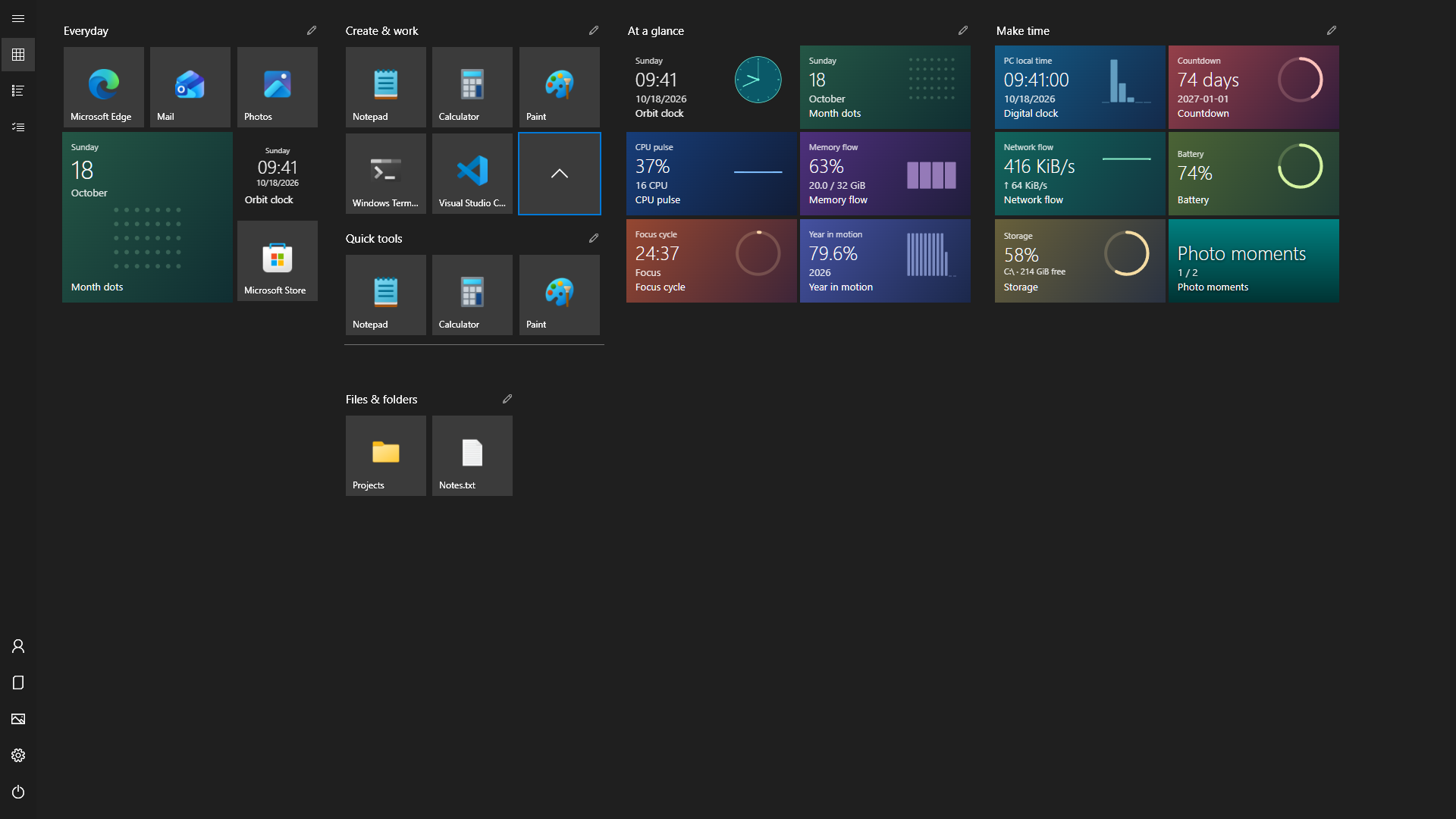
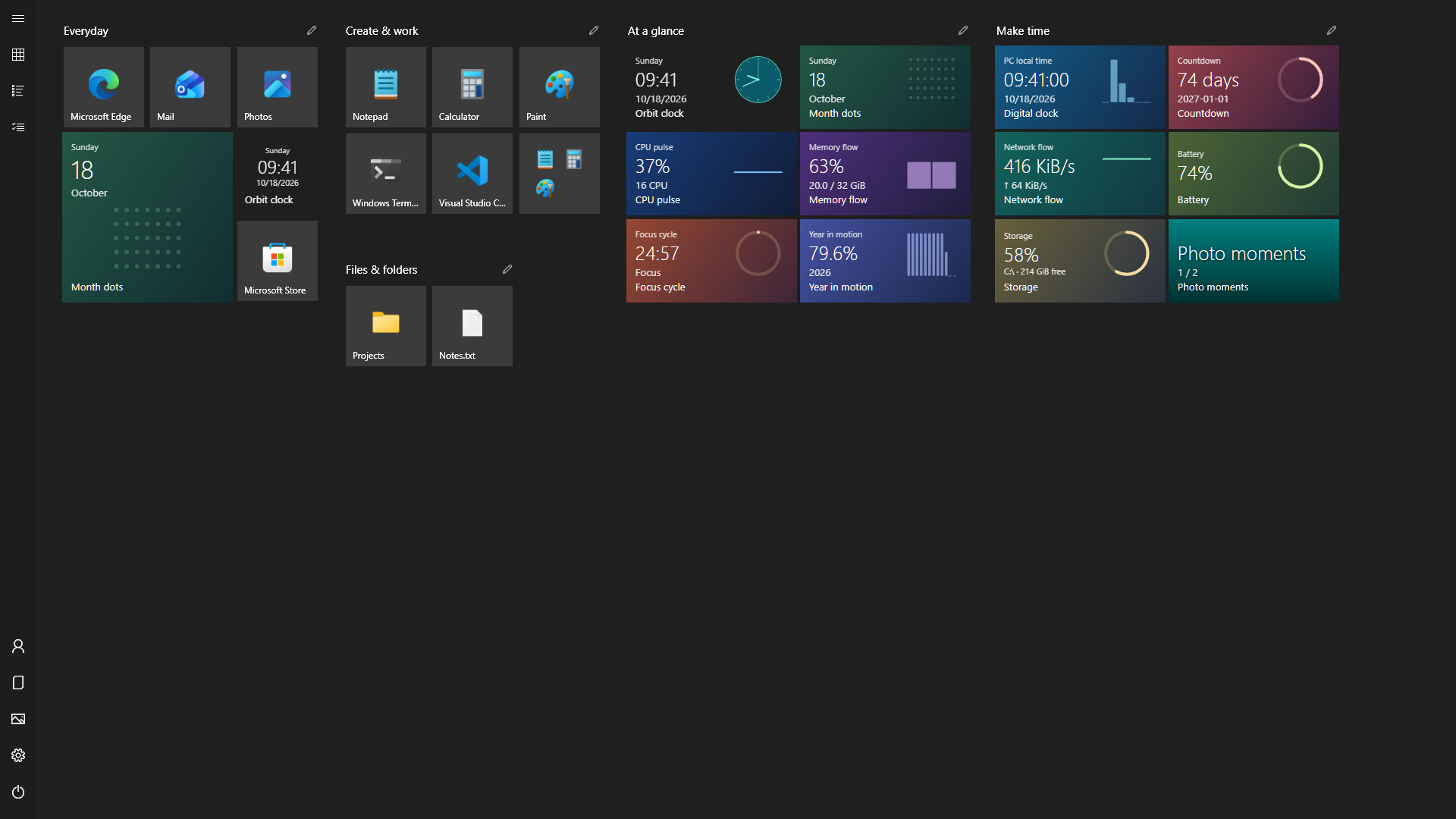
ReStart full-screen Start showing pinned apps, folders, clocks and PC activity tiles in an English demonstration layout.
Real app. English demo layout.
Portable by designx64 & ARM6419 web live tilesEight languagesMIT licensed

A desktop that feels like yours

Everything in its place.
Exactly where you put it.

Keep the things you open every day close. Give everything else a place to belong.

An expanded tile folder alongside independent app pins and live tile groups.

A place for everything.

Four tile sizes. Movable groups. Folders that expand in place. Pin an app, a document, a directory or a shortcut, then drag things into a layout that makes sense to you.

A translucent preview follows your pointer. Select several tiles to move them together, edit with the keyboard, undo a move, or lock the layout against accidental changes.

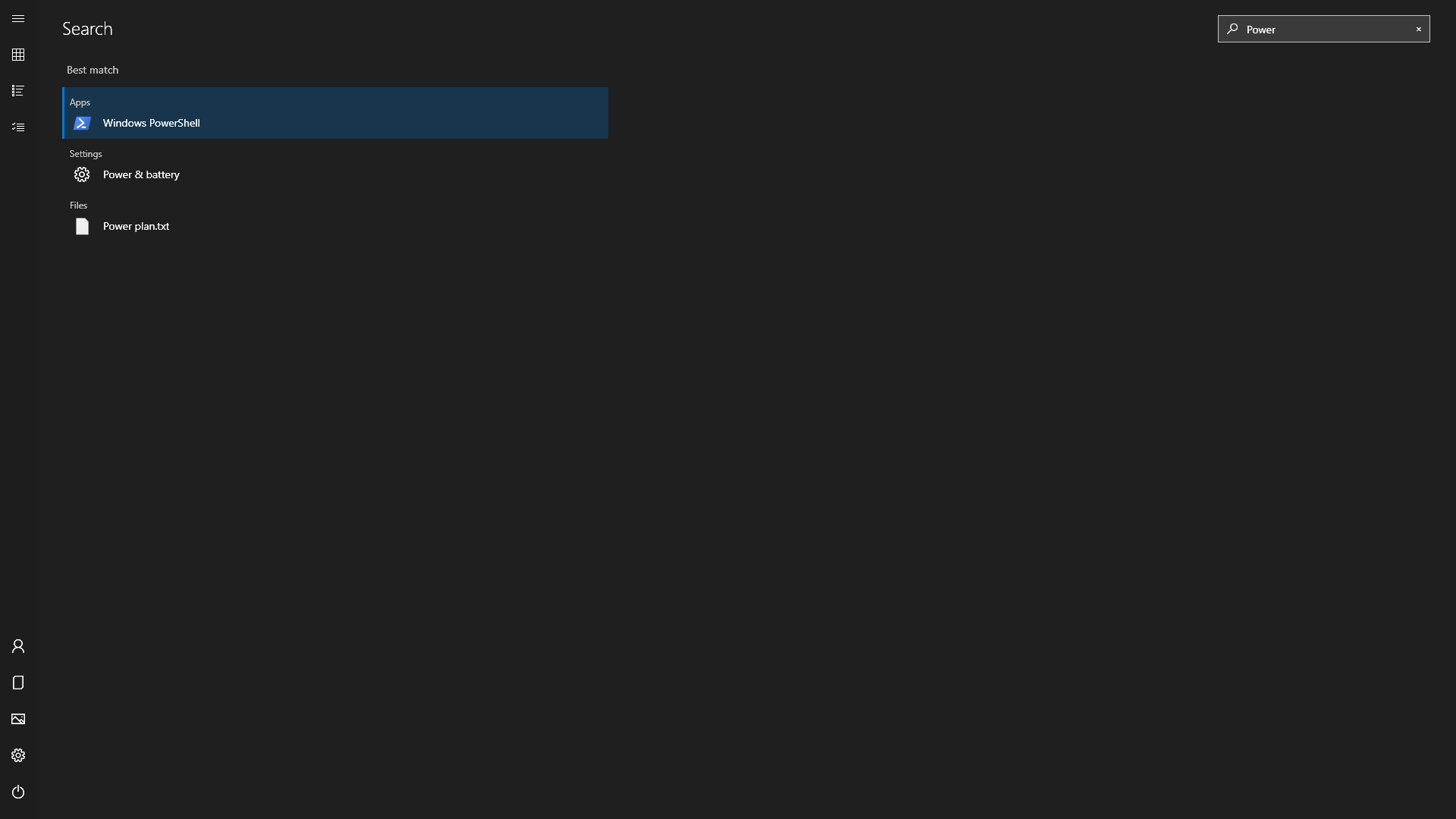
ReStart search with an app selected as the best match, plus Windows settings and local filename results.

Less looking. More doing.

Press the Windows key and type. Find an app, supported Windows settings, or indexed local filenames. The selected result is ready for Enter.

Windows-key integration and local file search are optional. You decide what belongs in Start.

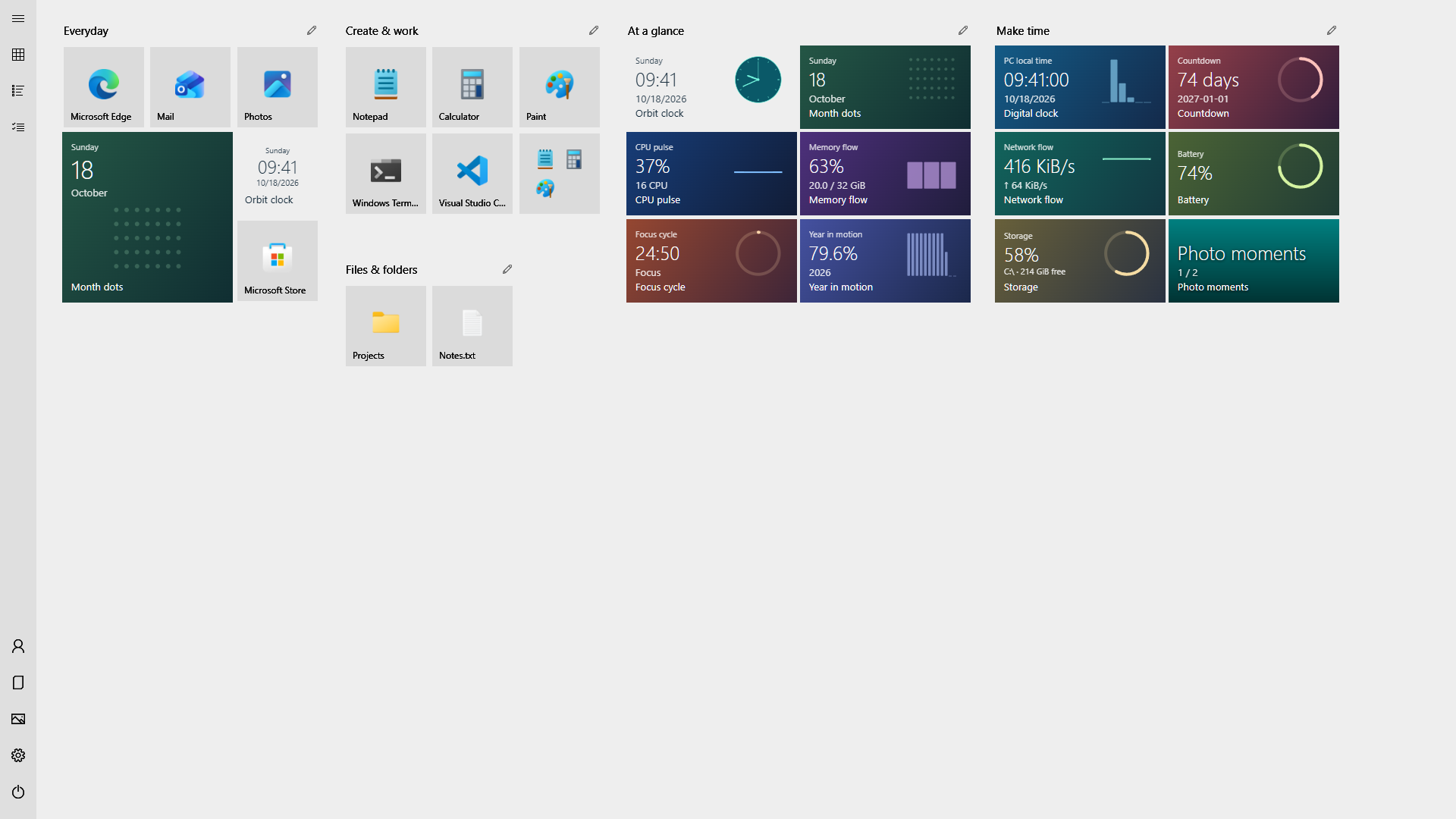
The same full-screen launcher in a light theme, with clear app icons and colorful live tiles.

Make room for your colors.

Follow your Windows theme or choose light or dark. Explore five color families, set your own accent and background colors, use your desktop wallpaper, or choose a separate image just for Start.

High contrast and reduced motion follow your Windows accessibility settings.

More than shortcuts

A little life
on your desktop.

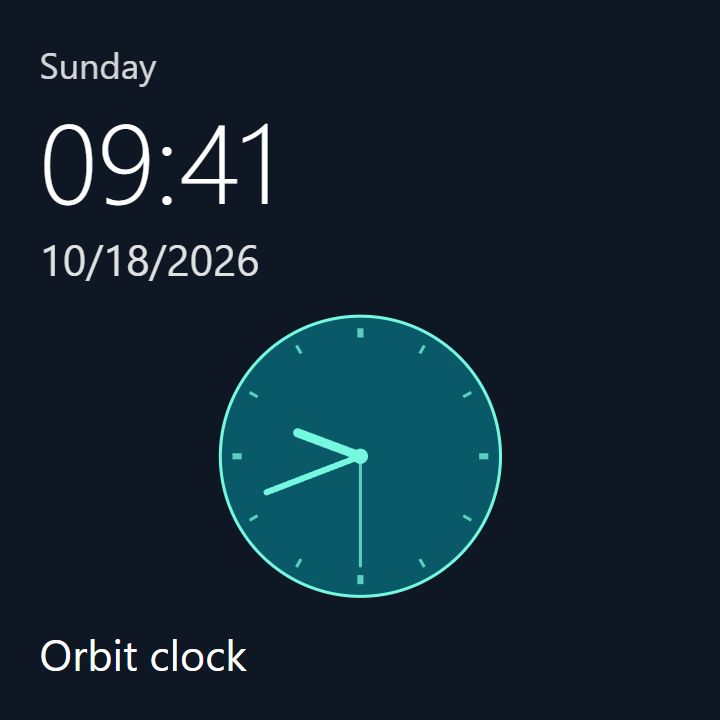
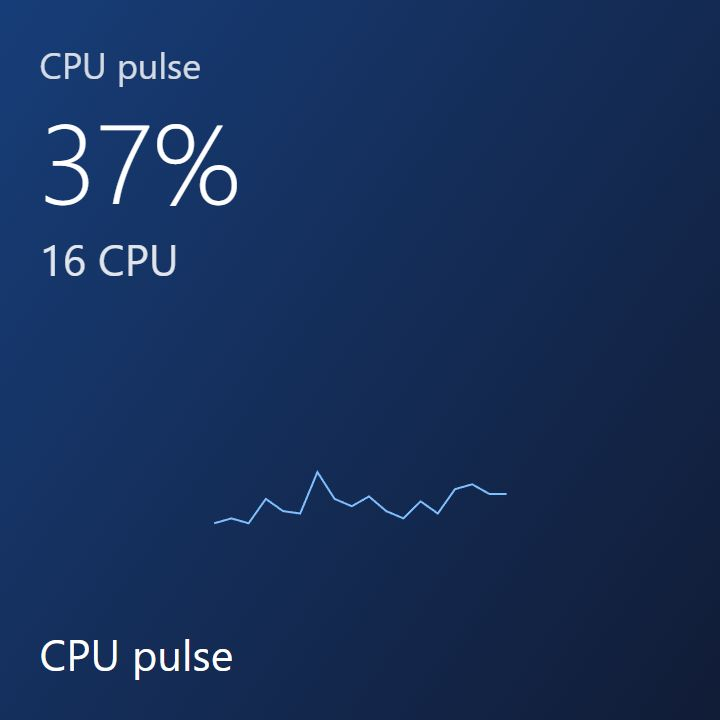
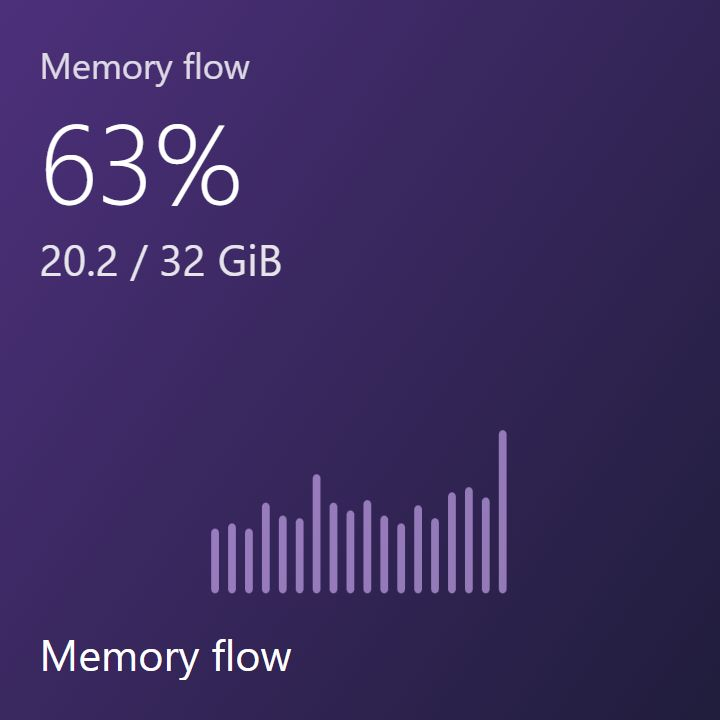
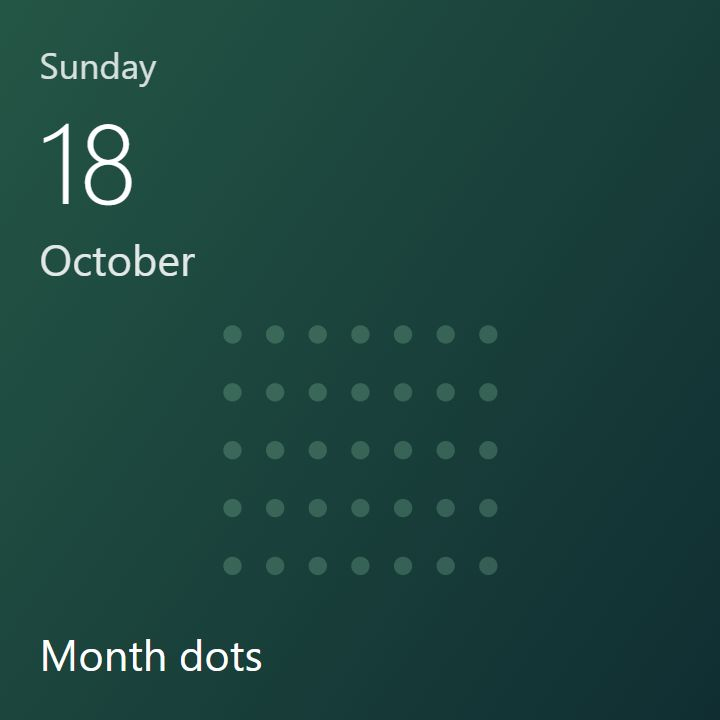
Time, focus, PC activity, your chosen photos, weather and headlines. Nineteen included tiles turn a launcher into a glanceable part of your day.

  • Connect weather, RSS, Web APIs or local JSON.
  • Choose photos from a folder on your PC.
  • Make your own with HTML, CSS and JavaScript.
Make something of your own

Data connections are opt-in. The weather sample uses Berlin until you change its coordinates.

A workspace for your ideas

Small canvas.
Make something yours.

Build a clock, a dashboard, a reading corner or something no one has tried yet. Ordinary HTML, CSS and JavaScript. Four tile sizes. A preview for each.

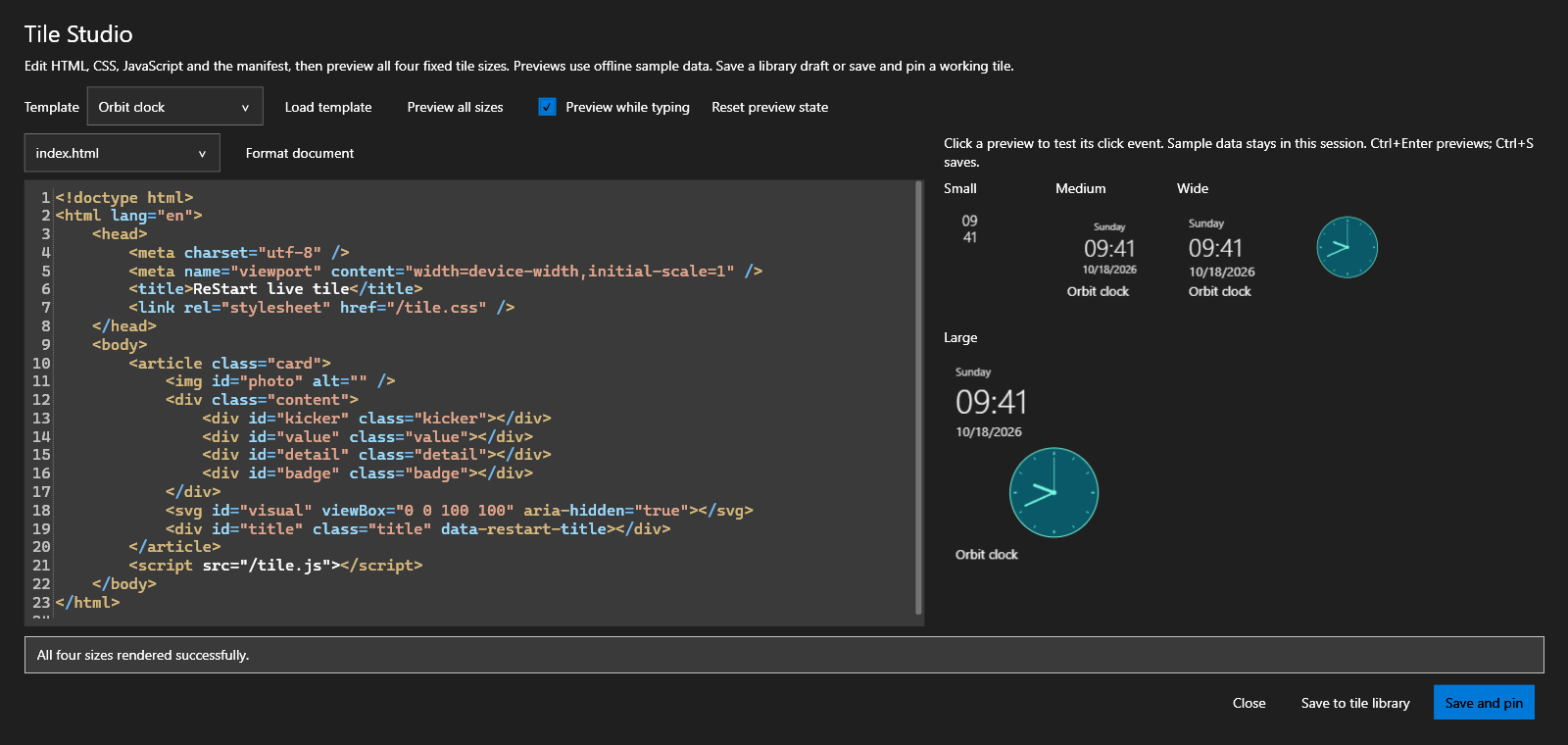
Tile Studio with a syntax-highlighted editor, offline sample data and all four live tile size previews.

Start with one of nineteen editable examples. Use SVG, Canvas, responsive CSS and transparent backgrounds. Highlighted source, Tab indentation and offline formatting help you keep the code readable.

Test click actions before pinning. Hide live tile names when your design needs the whole surface. News stories scroll inside their tile; neighboring tiles stay put.

Explore the browser API
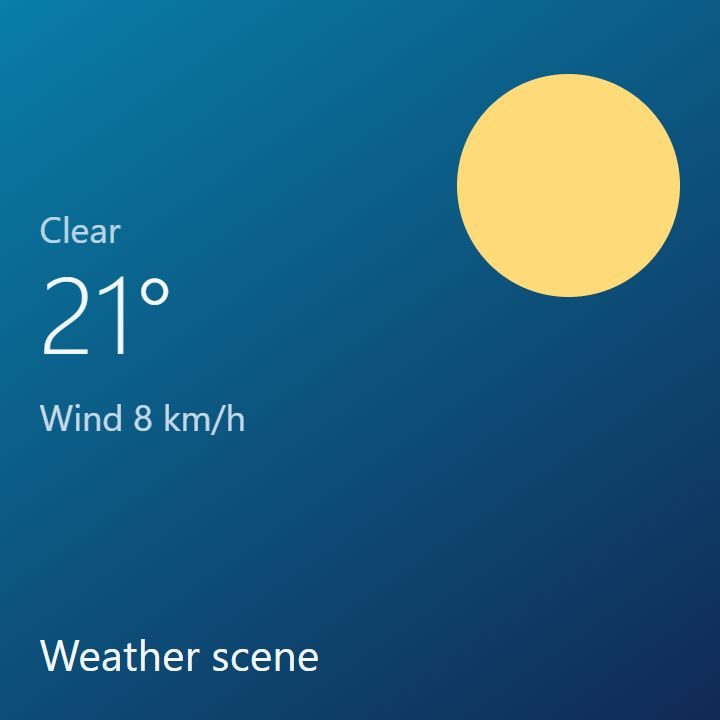
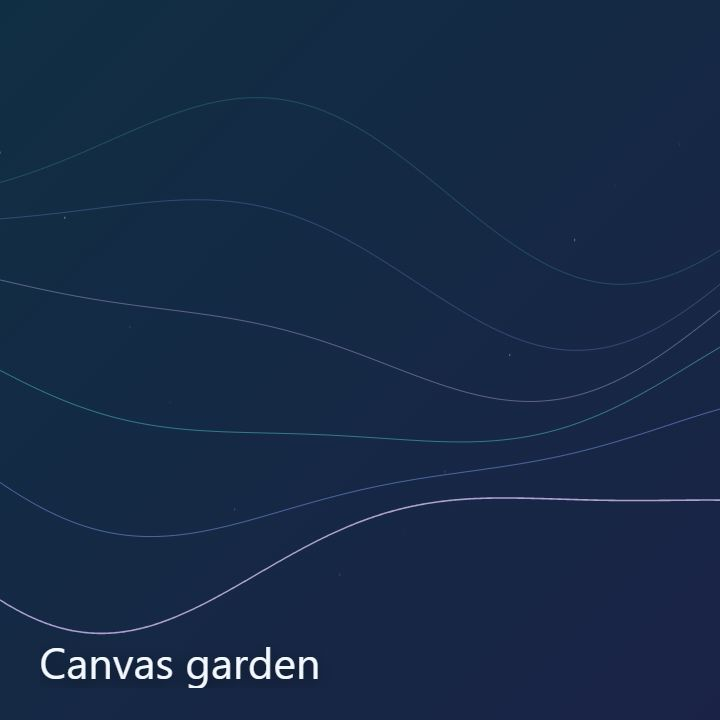
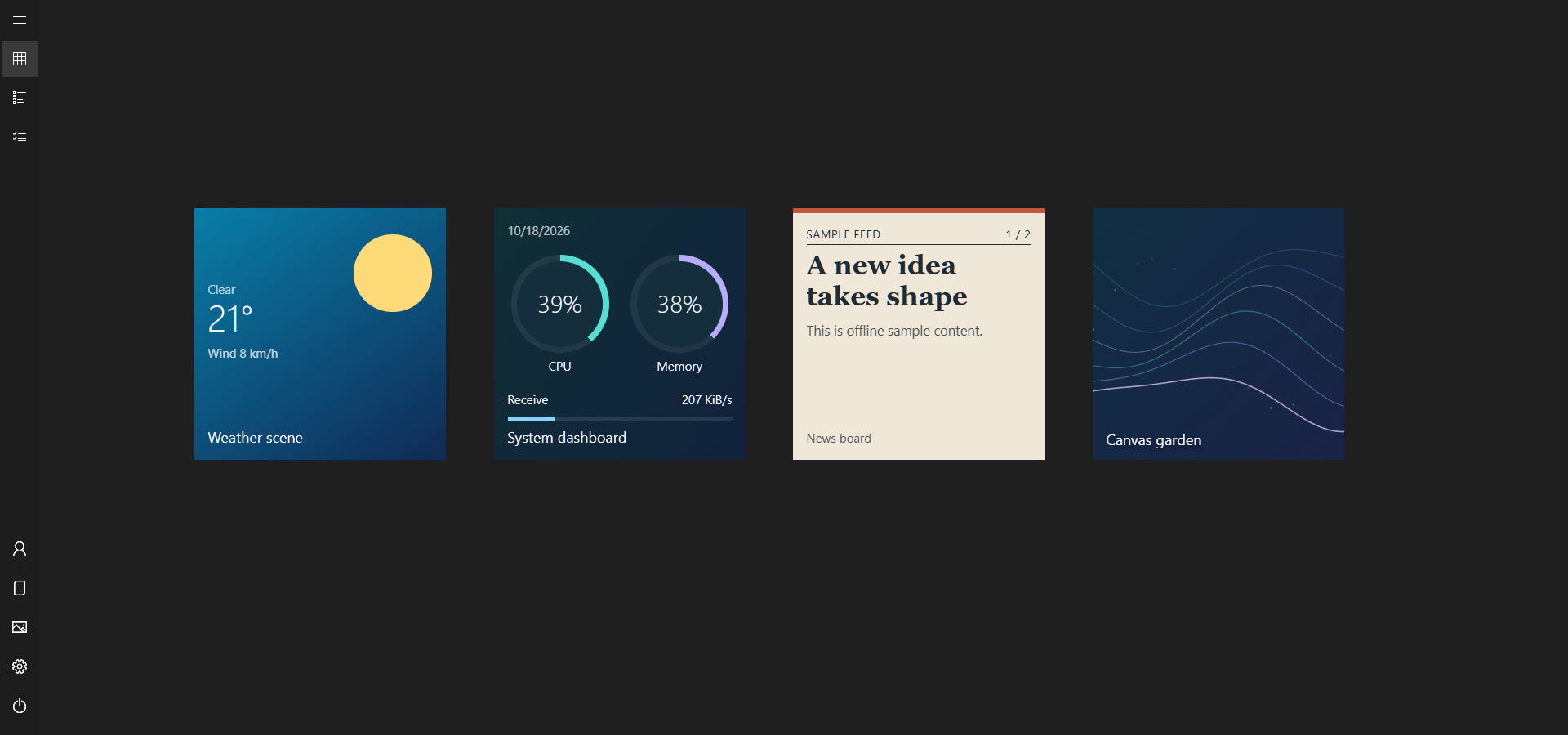
Weather scene, System dashboard, News board and Canvas garden: four included HTML, CSS, SVG and Canvas live tiles.

Built in the open.

Like ReStart? A star is a small way to show your support.

Star on GitHub

See it in action

A familiar feeling,
in one minute.

Apps, live tiles, search, keyboard editing and a look inside Tile Studio.

English demonstration · 1080p · No audio

Ready when you are

Unzip. Open.
Make it yours.

No separate .NET installation. No administrator rights for everyday use. Your first layout is built from apps installed on your PC.

Release notes & checksums · Windows 10 / Windows 11

  1. 01

    Get the ZIP

    x64 for most Intel or AMD PCs. ARM64 for Windows on ARM.

  2. 02

    Extract the whole package

    Keep the supporting folders beside ReStart.exe.

  3. 03

    Find your Start

    Open ReStart, then use the Windows key, Ctrl + Alt + Space, or the tray menu.

A few useful answers

Before you
make yourself at home.

Do I need to install anything else?

The portable ZIP includes its .NET dependencies. HTML live tiles and Tile Studio previews require Microsoft WebView2 Runtime. Live tile setup guide.

Does it replace Explorer?

ReStart runs as an independent app. Its optional Windows-key and taskbar Start-button integrations are reversible. It does not patch Explorer or inject a DLL.

Does it upload my app list?

No advertising or usage analytics are included. Your app list, layouts and photo-folder selections are not uploaded. If you enable a tile connection, its provider receives the requests and parameters you choose. Read the security policy.

How is the first layout chosen?

ReStart chooses familiar installed apps by role, using app identities and exact translated names. Missing apps are replaced with offline bundled tiles, giving each initial group at least six tiles. Existing layouts stay yours; this also applies when you explicitly reset the layout. How initial layouts work.

What about multiple monitors and accessibility?

Native window-placement checks cover two displays at 100%/125%/150% scaling, including mixed portrait/landscape. Accessibility providers are checked in all eight languages and both themes; basic Narrator announcements were inspected through Speech recap. Display reconnects, physical touch and full screen-reader interaction still need device checks. See the measured coverage.

Can I use my own language?

ReStart supports English, German, Spanish, French, Japanese, Korean, Simplified Chinese and Traditional Chinese. Translations are AI-assisted; corrections are welcome.

How do I update?

ReStart can check public GitHub Releases and notify you at startup when an update is available. The startup check is optional. Complete portable packages support an explicit Download update → Restart and update flow, with package verification and rollback if installation or startup fails. Manual ZIP replacement remains available. Local settings stay separate from the app folder. Update guide.

What can I share in a bug report?

About → Diagnostic information lets you review and copy a small report of versions, display mode and error categories. It excludes names, local paths, app lists, tile data, credentials and raw logs. Nothing is uploaded automatically. Add your reproduction steps separately.

Is it made by Microsoft?

No. ReStart is an independent, MIT-licensed project inspired by the late Windows 10 full-screen Start menu. Windows and the illustrated app names are trademarks of their respective owners.
Built in the open

A small project.
More ideas ahead.

Try it. Share it. Report a rough edge. Help shape what comes next.

ReStart Full-screen view
Complete full-screen ReStart demonstration, with apps and live tiles.